Зачем платить за VPN каждый год? Мой обзор OysterVPN (LTD) + 🎁 Бонус
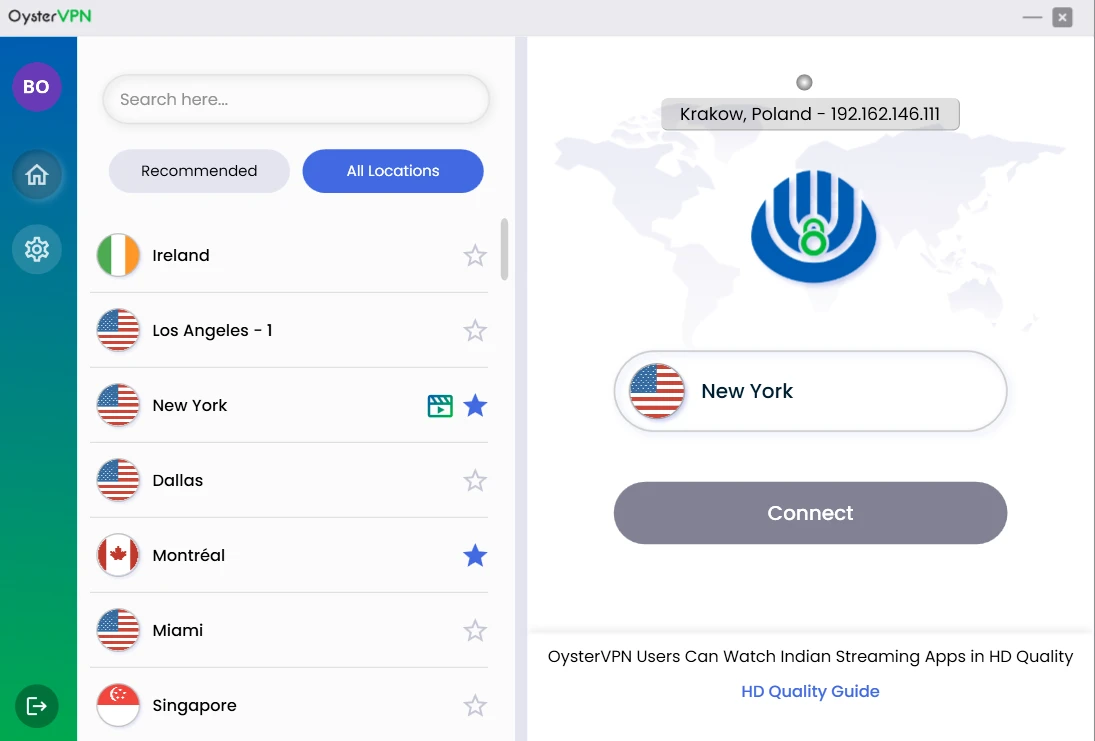
OysterVPN — это "фундамент" моей цифровой безопасности. VPN с пожизненным доступом (LTD), который я купил один раз и забыл про лимиты и подписки. Идеально для фрилансеров, маркетологов, контент-мейкеров и всех, кто ценит приватность в сети. Независимо от того, где вы находитесь, с OysterVPN вы можете получить доступ к тем ресурсам, которые необходимы для работы. Это делает его лучшим по соотношению цена-качество VPN для фрилансеров, которые стремятся быть в курсе всех трендов и новостей, не ограничивая себя рамками одной страны или региона.

Получить OysterVPN (LTD) сейчас
🎁 ВАШ БОНУС: Бесплатный мини-курс: "Вечный VPN за единоразовую оплату: OysterVPN (LTD)"
Моя оценка OysterVPN (Ноябрь 2025):
- Простота для пользователя: ★★★★☆
- Потенциал монетизации: ★★★★★
Почему платить за VPN по подписке — это ошибка?
Большинство популярных VPN (вроде Nord или Surfshark) — это SaaS-сервисы. Вы платите $50-$100 каждый год. Это "смерть от тысячи порезов". Вы постоянно привязаны к дате оплаты, а цены могут расти.
Использование бесплатных VPN — еще хуже. Вы рискуете утечкой данных, низкой скоростью, отсутствием возможности выбора сервера в нужной стране и тем, что ваши данные продадут рекламодателям.
OysterVPN решает все три проблемы: это единовременная оплата за безопасность, возможность выбора сервера и анонимность.
Что такое OysterVPN и что он умеет?
Я использую его с 2024 года не только для "входа в LinkedIn". Это полноценный инструмент безопасности:
- ✅ Надежное шифрование: Использует стандарт AES 256-bit (как в банках) и современные протоколы, включая WireGuard для высокой скорости.
- ✅ Kill Switch: "Аварийный выключатель". Если VPN-соединение по какой-то причине оборвется, он полностью блокирует доступ в интернет, не давая вашему реальному IP "протечь" в сеть.
- ✅ Блокировщик рекламы: Встроенная функция, которая чистит сайты от назойливых баннеров и вредоносного ПО.
- ✅ Split Tunneling: Позволяет выбрать, какой трафик пойдет через VPN (например, торренты или рабочий браузер), а какой — напрямую (например, ваш онлайн-банк или YouTube).
- ✅ До 10 одновременных подключений: Вы можете "закрыть" все свои устройства (телефон, ноутбук, планшет и даже роутер) одним аккаунтом!
Как лично я использую OysterVPN (мой workflow)
Я не просто "обзорщик", я купил этот LTD-доступ и использую его как фундамент для всей работы.
Вот три моих главных сценария:
- Безопасность 24/7: Он включен на моем основном рабочем ПК. Благодаря Kill Switch, я не боюсь, что при обрыве Wi-Fi мой реальный IP-адрес "засветится" где-то в логах.
- SEO-анализ: Когда мне нужно посмотреть поисковую выдачу Google "глазами пользователя из США" или проанализировать конкурентов в Европе, я просто "переезжаю" в нужную страну (424+ серверов в 37+ странах) одним кликом.
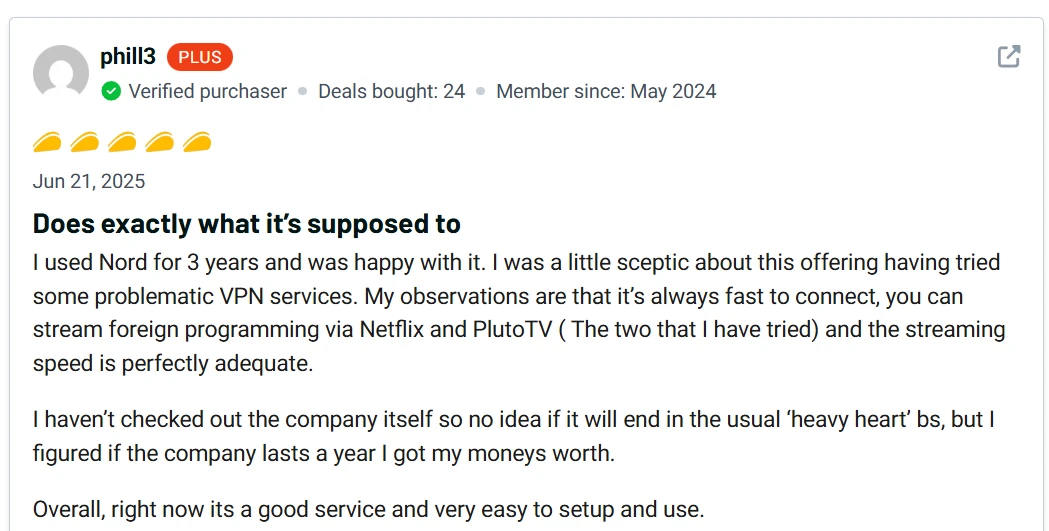
- Доступ к контенту: Использую для доступа к AI-сервисам, которые еще не доступны в моем регионе, или для просмотра Netflix из библиотек других стран. Чаще всего это доступ к тем сервисам AI, которые доступны только пользователям США и некоторых других стран из-за юридических несостыковок в этой сфере.
Доказательство: что говорят другие о OysterVPN?
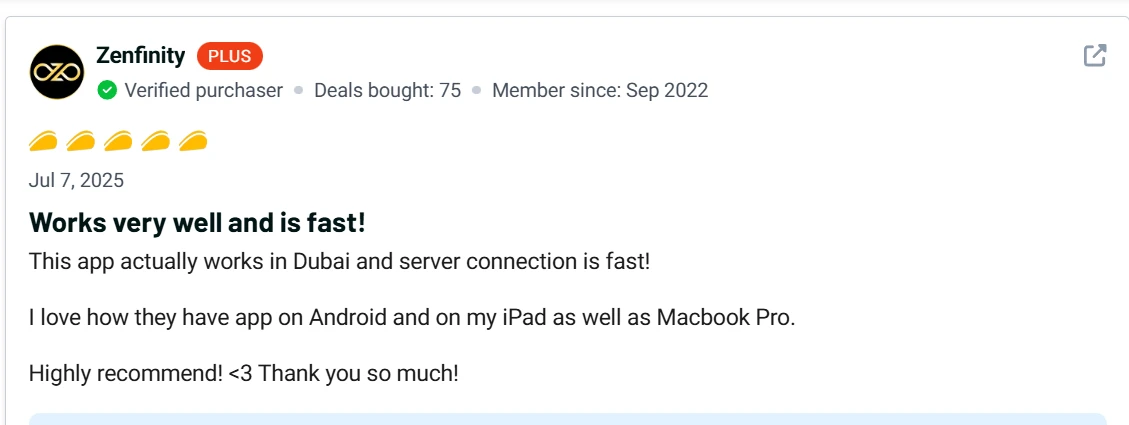
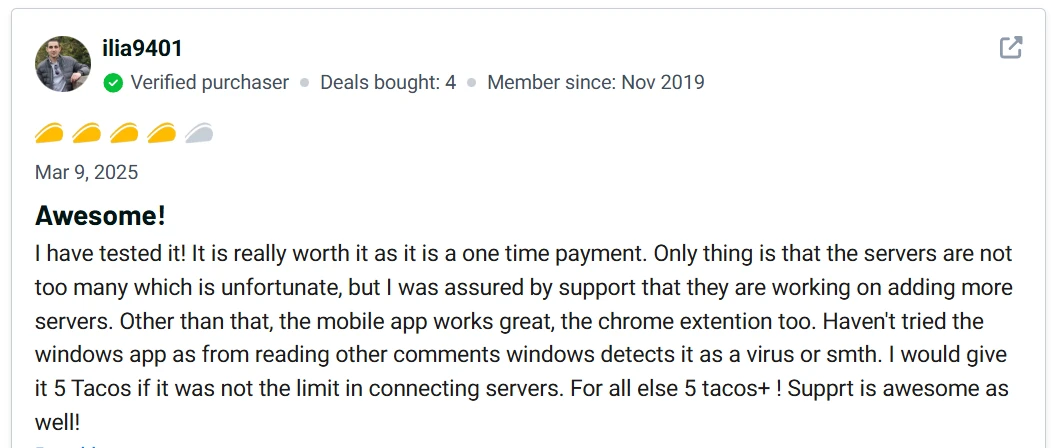
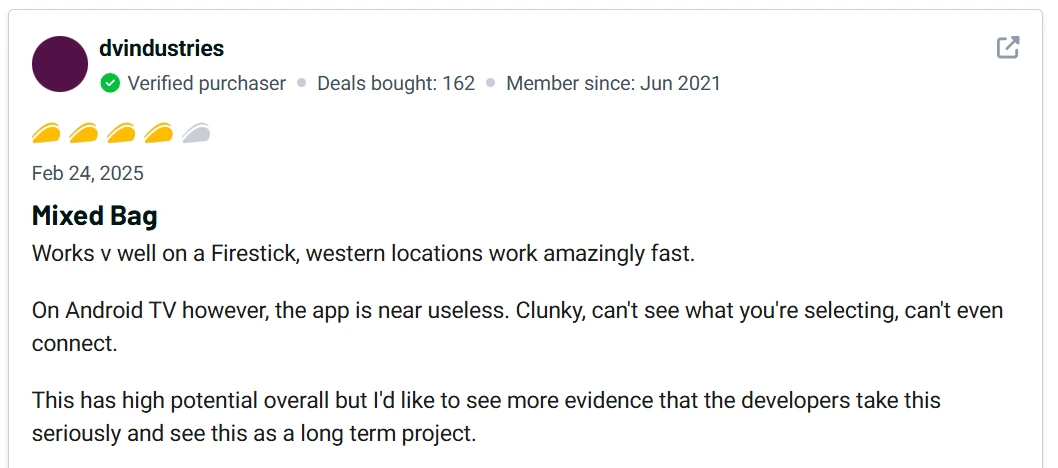
В целом на платформе appsumo OysterVPN получил положительные отзывы от клиентов, которые высоко оценили надёжный глобальный доступ к контенту, бесперебойное подключение к серверам и надёжные функции безопасности. Хотя иногда возникали проблемы с серверами и их местоположение было ограничено, это незначительные проблемы по сравнению с общим положительным опытом.
Негативные отзывы оставляют пользователи, которые не смогли установить OysterVPN на Windows из-за срабатываний антивирусной защиты.
OysterVPN — отличный выбор для тех, кто ценит безопасный сёрфинг и полную конфиденциальность в интернете. Требовательным пользователям не хватает гибкости настроек VPN и количества доступных серверов в разных странах.
Считаем выгоду: OysterVPN (LTD+SaaS) vs. NordVPN (SaaS)
Давайте просто посчитаем. У OysterVPN есть варианты тарифов как с единоразовым платежом и вечным использованием, так и традиционные для таких инструментов тарифы с помесячной или головой оплатой.
- Обычный VPN (Nord/Surfshark): ~$60 в год (по акциям).
- За 5 лет: $60 * 5 = $300
- OysterVPN (LTD): ~$59.99 (единоразовый платеж, бывают акции).
- OysterVPN (SaaS): ~$5.99 (в месяц) или $39.99 в год.
Инструмент при LTD тарифе окупается за 1 год! Все остальное время (годы!) — это чистая экономия. Вы платите один раз и забываете о подписках навсегда. И если вам по какой-то причине не понравится этот сервис - в течение 30 дней есть гарантия возврата средств.
Честный минус: кому OysterVPN НЕ подойдет?
Я хочу быть на 100% честным. Этот инструмент не для всех.
- ❌ Если вы "маньяк скорости" и вам нужны тысячи серверов: у OysterVPN на сегодняшний день "всего" 400+ серверов. У гигантов вроде NordVPN их 5000+. Если вам нужны супер-экзотические локации или вы качаете терабайты данных, вы можете заметить разницу.
- ❌ Если вы используете Windows 11 (есть нюанс): Я и другие пользователи замечали, что были проблемы с установкой клиента под Windows 11. Приходилось повозиться и следовать гайдам. Это не "установка в один клик". Этот минус как раз и покрывается моим 🎁 бонусом — я помогу вам это обойти.
Если вы не узнали себя в этих пунктах, вам повезло. Идем дальше.
Мой вердикт: стоит ли OysterVPN (LTD) своих денег в 2025-2026 годах?
Однозначно да.
Это не самый быстрый или самый большой VPN на рынке. Но это LTD. Это "купил и забыл". Для 95% задач (безопасность в кафе, просмотр Netflix, SEO-анализ, обход блокировок) его хватает с головой.
За цену одного ужина в кафе вы получаете пожизненную безопасность. С моей личной помощью в настройке (бонус) и 30-дненой гарантией возврата вы ничем не рискуете.
Получить OysterVPN (LTD) сейчас
🎁ВАШ БОНУС: Бесплатный мини-курс: "Вечный VPN за единоразовую оплату: OysterVPN (LTD)"
FAQ: ответы на частые вопросы о OysterVPN
- Вопрос 1: "Чем OysterVPN лучше, чем NordVPN или Surfshark?"
- Ответ: Главное отличие — наличие LTD (пожизненный доступ). Nord и Surfshark — это подписки, которые вы платите каждый год. OysterVPN вы покупаете один раз. По функциям (Kill Switch, WireGuard) они очень похожи. Для любителей помесячных и годовых подписок у OysterVPN также есть выгодные свои тарифы.
- Вопрос 2: "LTD-предложение OysterVPN еще действует?"
- Ответ: На момент написания этого обзора (Ноябрь 2025), да, предложение активно. Но LTD-сделки имеют свойство заканчиваться внезапно.
- Вопрос 3: "Сколько устройств я могу подключить на 1 аккаунте OysterVPN?"
- Ответ: До 10 устройств одновременно. Вы можете "закрыть" свой телефон, ноутбук, ПК и даже поделиться с семьей.
- Вопрос 4: "Может ли OysterVPN защитить от вирусов?"
- Ответ: Нет. VPN не заменяет антивирус. Однако OysterVPN защищает ваши данные в незащищённых сетях благодаря мощному стандарту шифрования и блокирует загрузку вредоносных сайтов.

Ложь, сжигающая время: почему нейросети галлюцинируют по ссылкам и как NotebookLM спасает от фейков
Обзор Teable.ai: мощная альтернатива Airtable с AI и ловушка для кредитов в App Builder

🎙️ Как создать идеальный ИИ-клон голоса в 2026 году (и навсегда уйти от подписок)