Guide to AI Photo restoration: reviving memories in minutes!
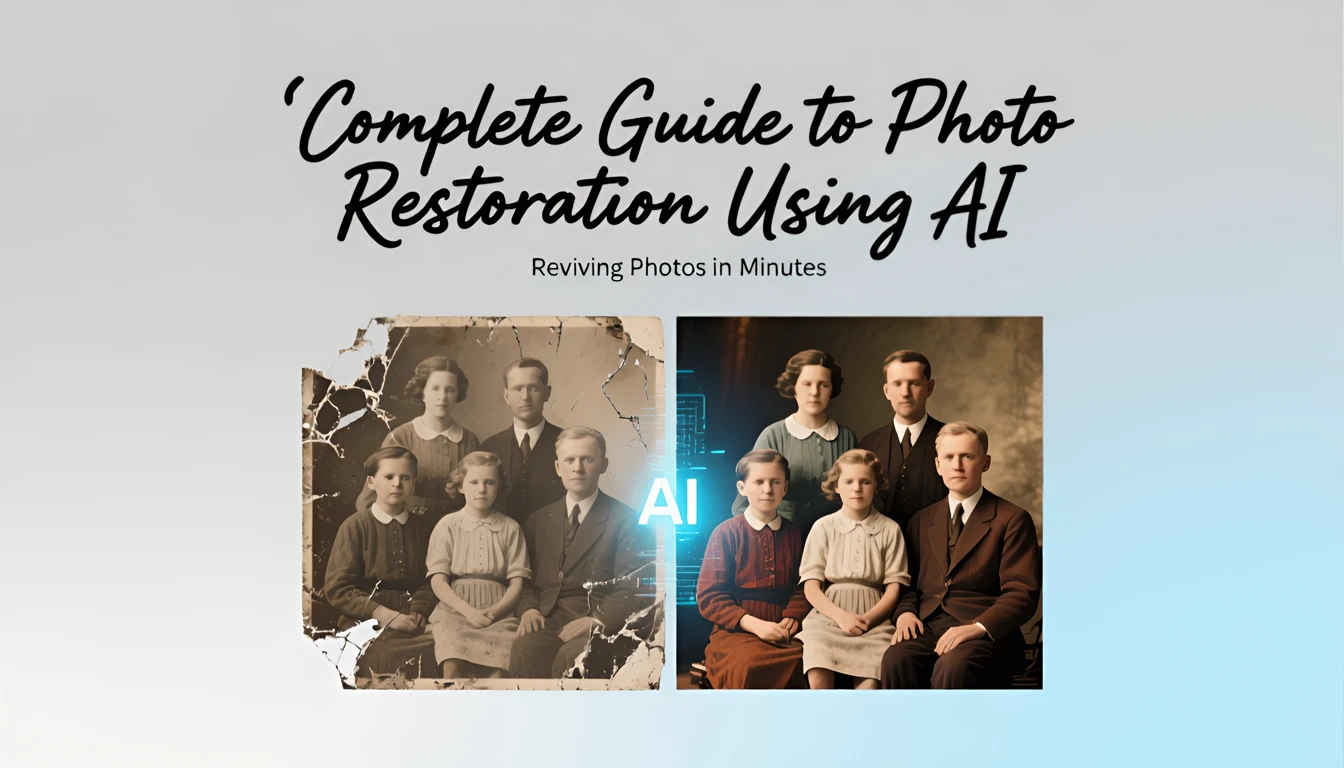
Introduction to AI Restoration: Why It's Important for Reviving Memory
One of the most emotional genres of video generations - Reviving memory. Today, I'm going to tell you about how modern AI can do real wonders with your old photos. If you have valuable family photos that have been damaged by time, this guide will help you literally resurrect them! I will talk about two options that I have tested:
- Paid multifunctional with commercial rights and a one-time payment for lifetime unlimited use (LTD).
- Simple and free, but without commercial rights and warranties.
In 2025, AI has made great strides in photo restoration, ensuring commercial rights and security. Using GenAI, you can restore photos without complex skills and costs, making this technology accessible to everyone. Whether you want to make an unforgettable gift to your loved ones or save precious moments, using GenAI to bring photos to life is the perfect choice.
🎨 What is AI photo restoration?
AI restoration is the process of repairing damaged, faded, or low-quality images using neural networks. The technology analyzes each pixel and reconstructs missing details, removes noise, restores colors and increases resolution.
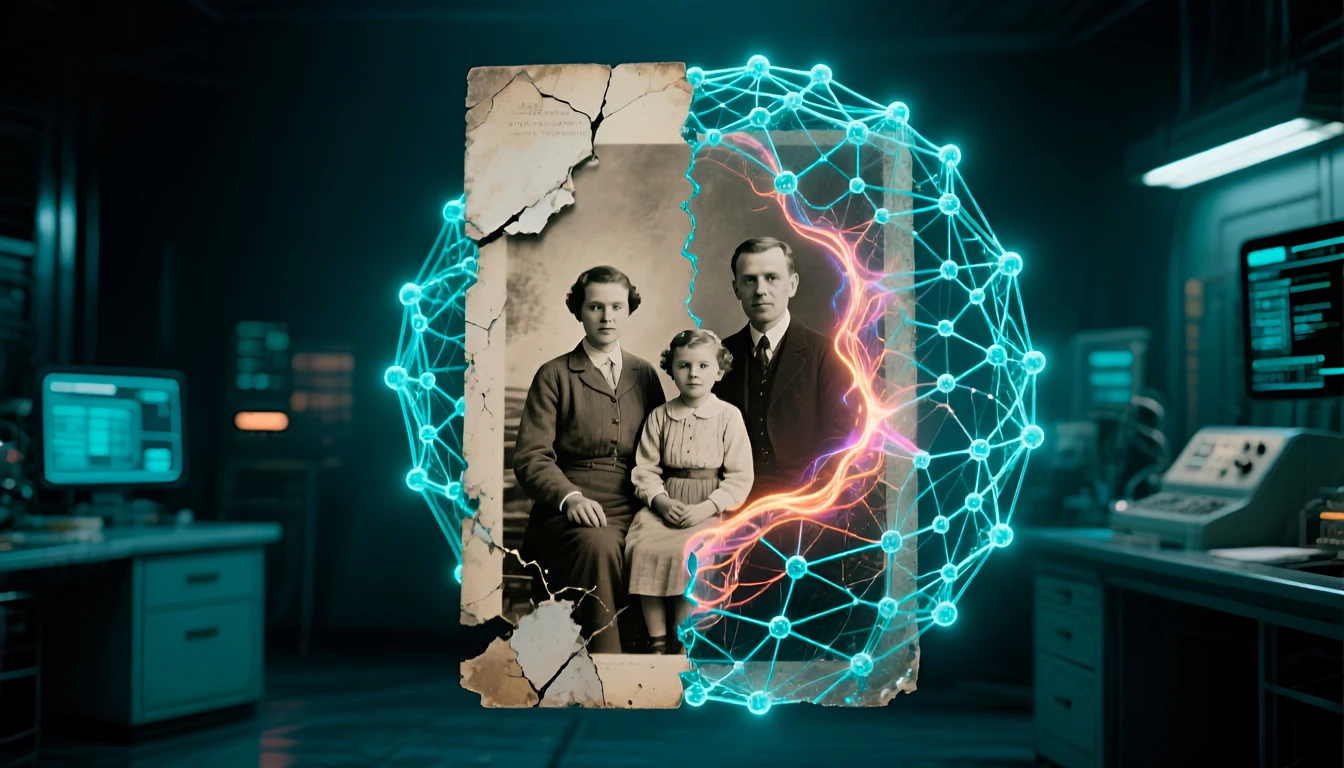
The main features of AI restoration:
- ✨ Removal of scratches, stains and cracks.
- 🌈 Restoring and enhancing colors.
- 🔍 Improve clarity and resolution.
- 🎭 Restoring details of faces and objects.
- 🖼️ Improve overall composition, widen, and trim.
Platforms Artistly and VideoExpress: Commercial Business Solutions
When it comes to professional photo restoration and image animation, Artistly and VideoExpress have a special place. There are a huge number of paid GenAI methods today, and they all give similar quality results with a difference in price, speed, and a set of additional features. In 2026, the number of options will become even wider. Why I chose Artistly and VideoExpress?
The reason is simple:
- they do not require complex settings and training,
- give a quick and high-quality result with commercial rights,
- offer an incredibly wide range of GenAI features,
- are regularly updated and new features are added,
- and it's the most cost-effective commercial option because it's sold for a one-time payment with unlimited lifetime usage (LTD), with no hidden fees for upgrades or new features.
I have been using these platforms since December 2024. Based on my personal experience, I can confidently say that the latest versions of Artistly and VideoExpress are tools that can satisfy even the most demanding users. You can use them for a variety of projects, including commercial ones, without unnecessary restrictions:
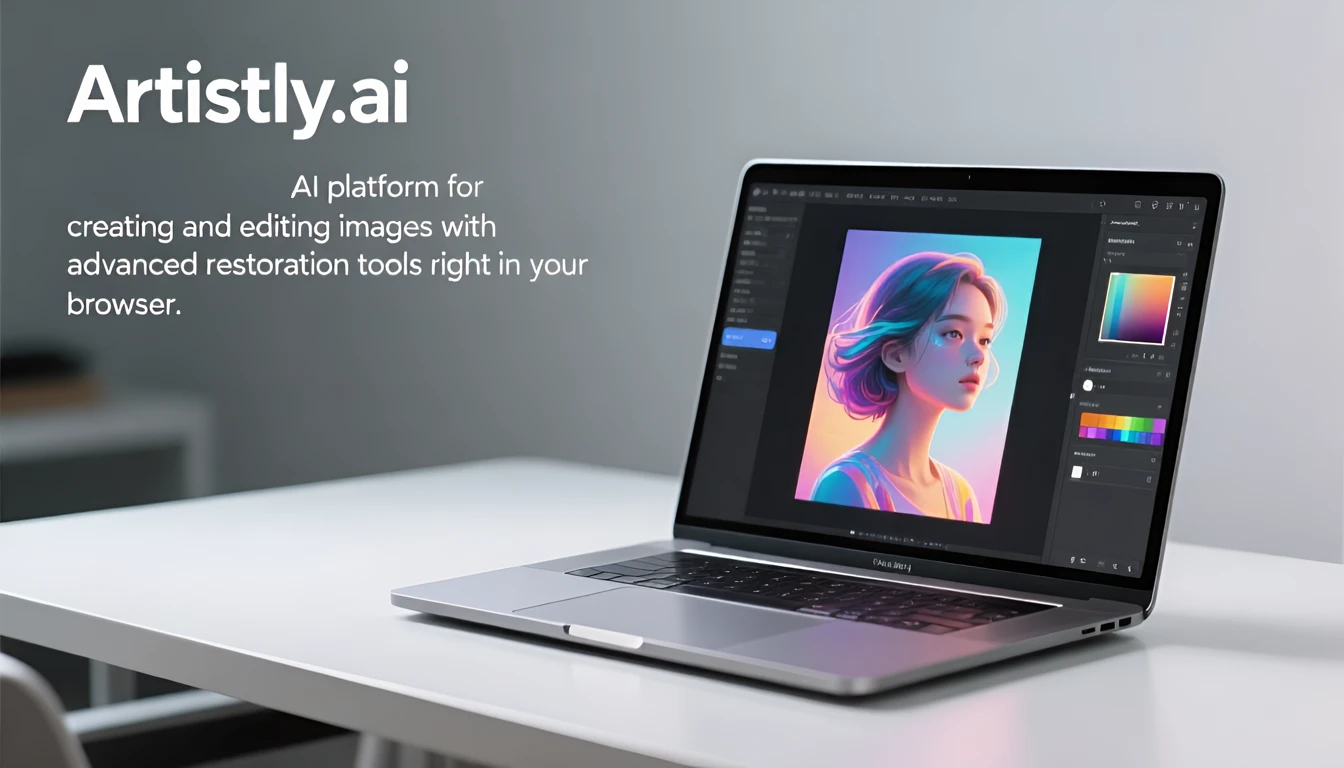
- Artistly is a feature-rich AI platform for creating and processing images with advanced restoration tools in your browser. More details in the review: Artistly V6 First Look: What's New in AI Content Generation?

- VideoExpress is an AI video creation platform that perfectly complements Artistly to bring restored photos to life also in your browser, without being tied to a specific device. I tell you more in the review: videoexpress.ai 2| All-in-One Text to Video generation, one-time payment, unlimited, 800+ votes.
Both platforms are developed by a single Canadian company (Paul Ponna), which offers more than 10 options for GenAI platforms to create different types of content: from image generation to website generation and audio. In my experience, Artistly and VideoExpress - These are the most successful and most competitive products of this company.
🎯 Key features:
Artistly:
Offers several dozen functions. But for the restoration of old photos, 1 that appeared in the 6th version of the program is enough for us - this is “Photo Restoration”:
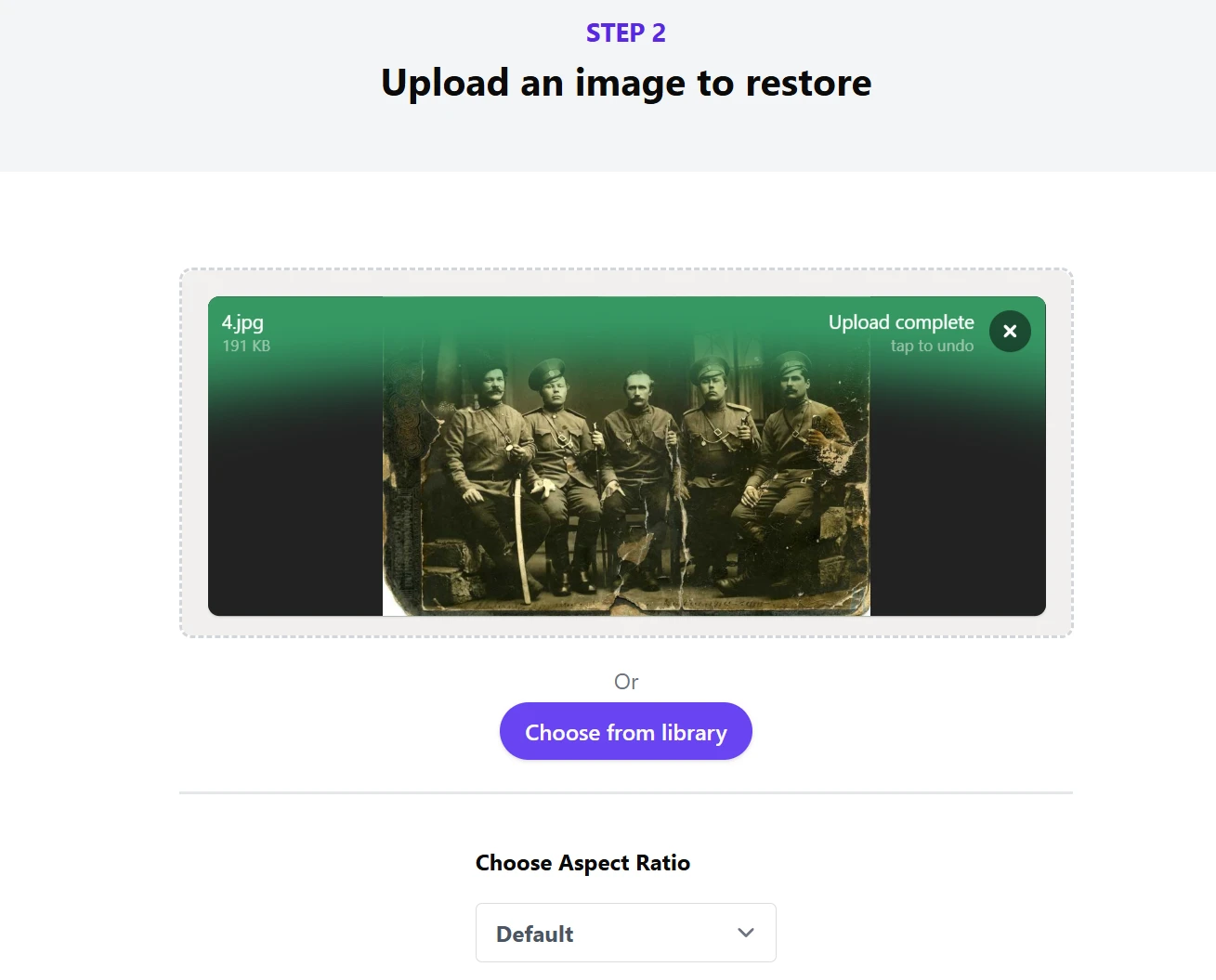
It allows you to In 1 click, in 5 - 10 seconds, completely restore any photo. The developers do not disclose the AI model that underpins this feature. But empirically, I found that with a probability of 99% it is Flux Context Max is one of the best models for editing and restoring images. The experience was simple - I restored the same photo in Artistly and on another platform with access to Flux Context Max and received Absolutely the same result.
Photo from my family archive (1939)
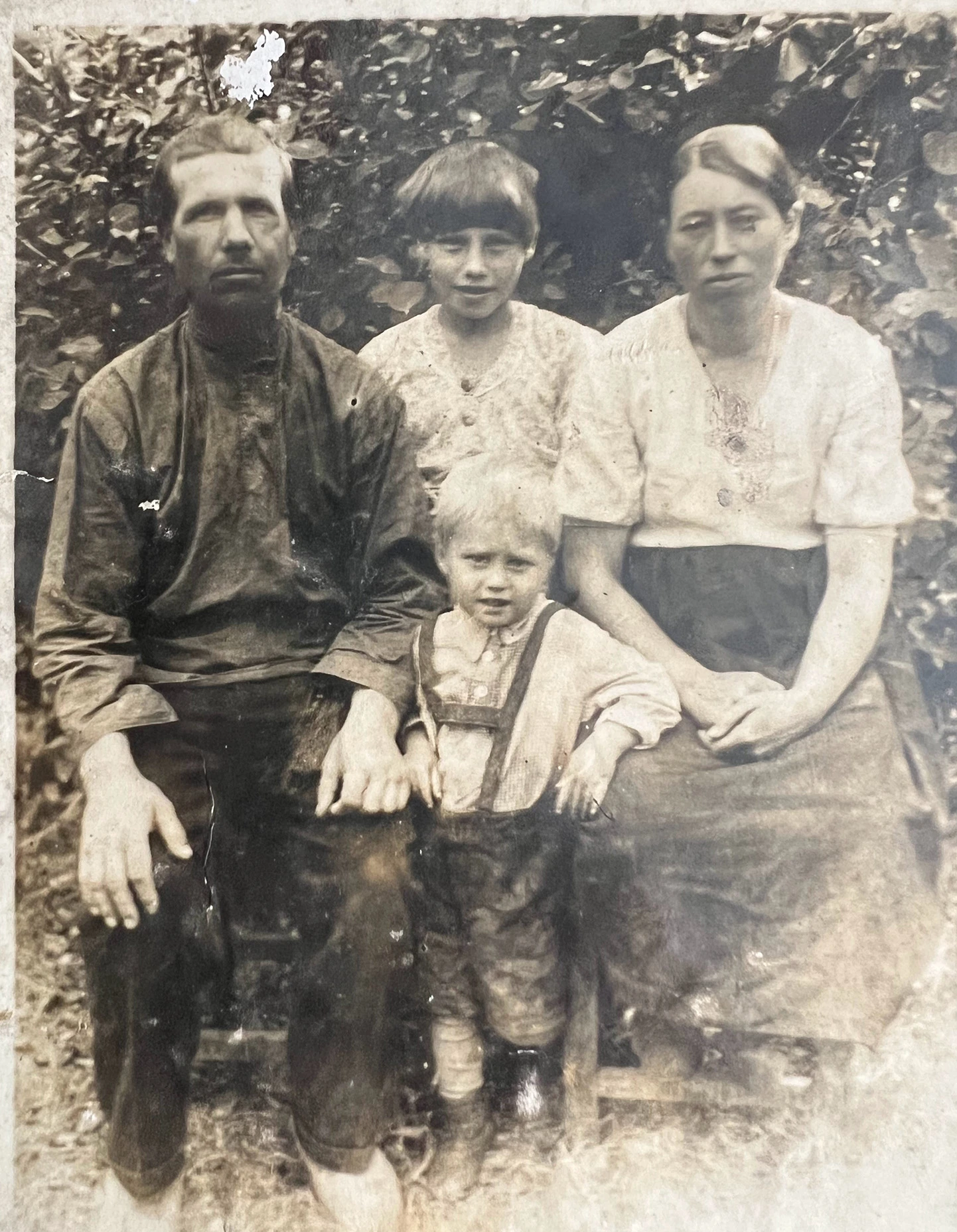
The result of the restoration with a change in the frame ratio (1080:1920) for subsequent "revival":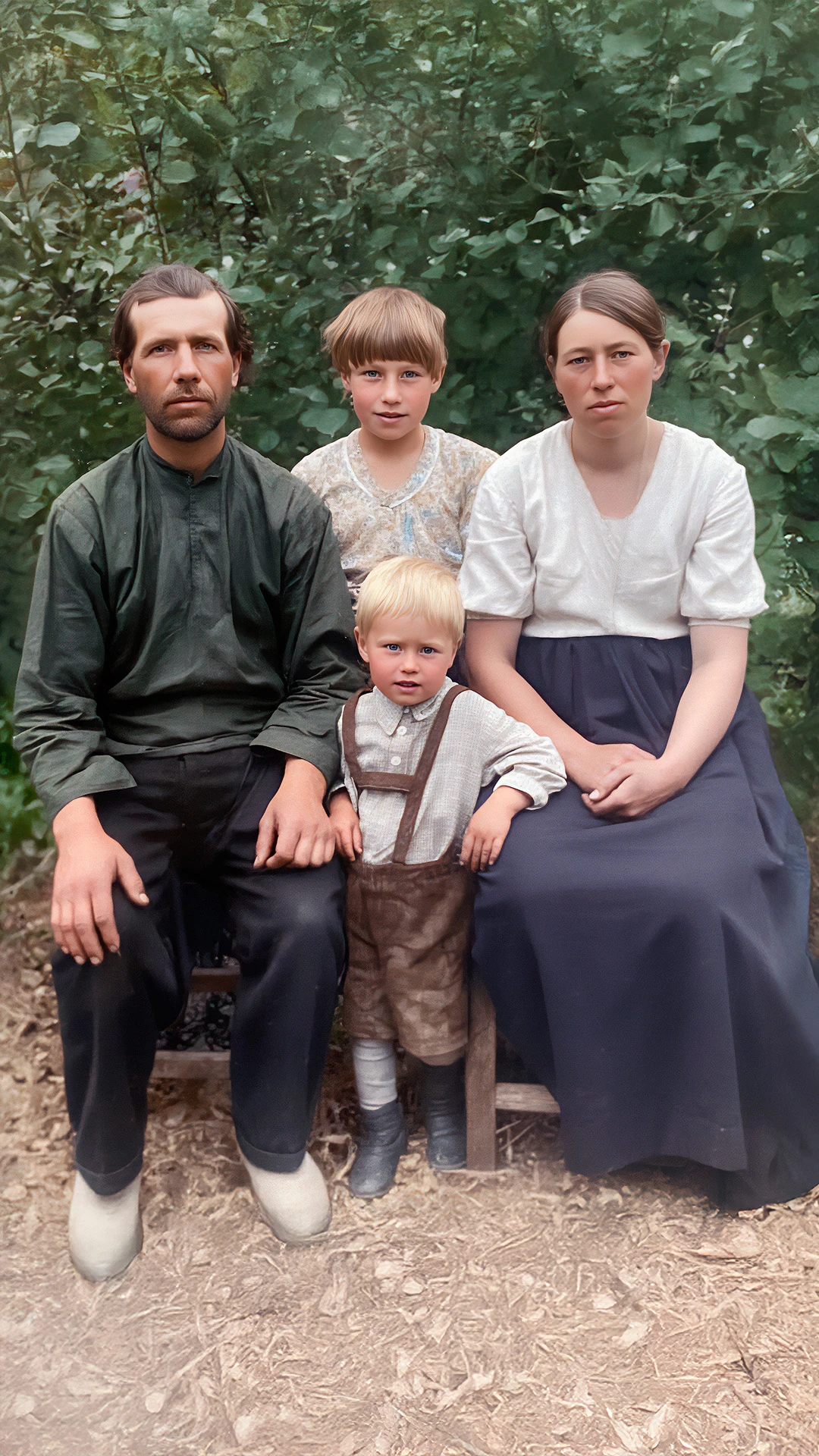
To improve the result, if necessary, you can use 5 additional functions on the same platform:
- 🔧 AI Image Upscaler - Image enlargement up to 3x while maintaining quality.
- 🎨 AI Inpainting Technology – replacement and restoration of damaged areas.
- 🌟 Smart Image Expander - Image expansion with automatic filling of details.
- 👤 Perfect Face Restoration – specialized restoration of faces.
- 📱 Background Editor & Remover - Work with backgrounds to replace the background in your photo.
In complex cases, several neural networks can be combined. For example, at the first step for primary treatment, use Nano Banano, and then in the second step Artistly (or another option to access the model Flux Context Maxif you don't have Artistly). According to my subjective observations, it is these two models that give the best result in photo restoration today, when it is important to preserve the portrait resemblance.
VideoExpress:
An AI video creation platform that perfectly complements Artistly to bring restored photos to life with 6 features:
- 🎥Image To Video - the main way to generate video from photos, "animate" photos.
- 🎥Redesign - Make changes to the video with text instructions.
- 🎬 Photo to Talking Videos - Turning a photo into a talking video.
- 🎭 AI Face Swap - Replacement of faces in the video.
- 🎨 Consistent Characters - Creating different stories with different locations and plots, using your photo as a reference for a permanent character.
- 🎵 AI Sound Maker - Adding sound effects.
💰 Cost and license:
- One-time payment – no monthly subscriptions and surcharges!
- Commercial rights – you can use the results to make money.
- Unlimited usage - Create as much content as you want with no credits or limits per day, month, or year.
- Artistly: Full version $147 (yes) Basic version for $49), a 30-day money-back guarantee.
- VideoExpress: Full version $179 (10% discount with code "SECRET10", yes Basic version for $49), a 30-day money-back guarantee.
📋 Step-by-step algorithm for "reviving" photos in Artistly and VideoExpress
1. Restoring an Old Photo in Artistly:
- Scan or take a photo of the old image.
- Upload it to Artistly via the feature interface “Photo Restoration”.
- Select the desired one Aspect ratio. This is important to maintain the correct proportions if you plan to "animate" photos through video. Available 3 options: Leave Original Original Format, generate 16:9 or 9:16. In the last two cases, the program will automatic cropping and complement the photo missing parts. If you want full control, leave the original format and use the Smart Image Expander if necessary.
2. Animate Photos in VideoExpress:
- Import restored photo to a folder on the platform. You can add a new folder for the project.
- Create from a photo The right AI video option out of 3 available:
1) Talking photo:
You can add text that your photo will say or even sing (there is also such a mode). In this mode, you can add your own audio file or record text and choose a voice model for voiceovers. The maximum duration of such a video is 5 minutes.
2) Live Photo:
adding movements, emotions, camera effects. Describe the necessary actions. For example, they smile cheerfully and hug; you can add camera actions, for example, zooming in on the camera.
3) A permanent character:
Use your photo as a reference. This is an interesting mode in which you can generate a variety of scenes using the face from the photo. You can also add text and audio recordings if you want the character to speak in some scenes.
- Add Sound effects and music if necessary. This can be done on the platform itself or in any editor convenient for you.
If necessary, replace the video generator at the "revive" stage VideoExpress to any other that suits you or you have in stock.
See an example of restoration in Artistly and revival in VideoExpress You can on my channel www.youtube.com/@AleksEdustyle by link: www.youtube.com/shorts/EZ5MY7NLT_U
✅ Advantages of a professional solution:
- Maximum control over the process.
- Commercial use of the results.
- Cross-platform integration.
- Variety of options.
- Constant updates and new features.
- Good video quality in FullHD file format.
- Professional support.
Free Tools for Personal Use: chat.qwen.ai and aistudio.google.com
For those who are not ready to invest in commercial solutions, there are free tools such as chat.qwen.ai and aistudio.google.com. These platforms provide an opportunity to experiment with photo restoration and image revival.
However, it is worth remembering about privacy: free solutions cannot guarantee data security. Perfect for personal use, these tools allow you to feel the magic of reviving memories for yourself. Take advantage of free platforms and experience the world of AI without spending a dime.
What are these platforms?

Qwen AI is a free AI platform from the Chinese company Alibaba with powerful image processing and photo restoration capabilities. Chat.qwen.ai offers ease of use, allowing everyone to quickly restore an old photo.
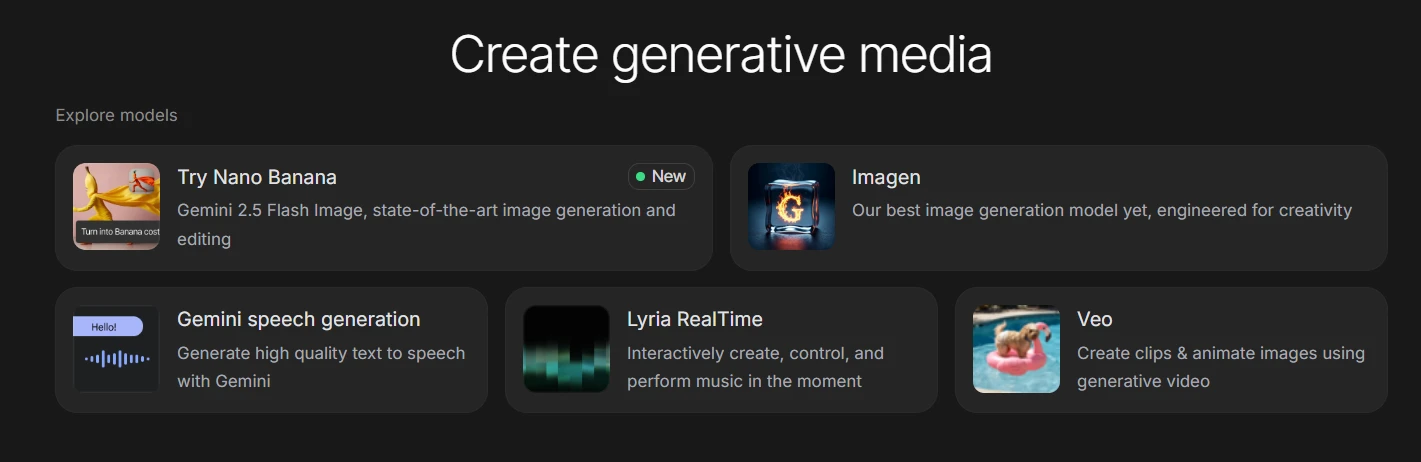
aistudio.google.com is a free platform from Google with powerful capabilities for image processing and photo restoration, as well as "reviving" photos using VEO 2 in the free version. While aistudio.google.com provides opportunities for a deeper dive into the world of AI by experimenting with different styles and techniques. Has Strict security filters, which, for example, prohibit the generation of videos with children. If you plan to bring your baby photo to life in the free version of aistudio.google, - Google will refuse to do so.
📋 Step-by-step algorithm for working with free AI:
1. Registration:
- Go to chat.qwen.ai or aistudio.google.com/
- Create a free account. You can use your google account to register.
2. Restoration and preparation of photos for "revival" in the video:
- Select a mode: "Image Editing" in qwen.ai or Generate an image of a banana wearing a costume in aistudio.
- Upload your photo to the chat and write what needs to be done, for example, - "Restore the photo". You can use a more detailed version of the hint: "Restore the old photo. Remove scratches, creases and water damage. Reduce noise and increase detail. Paint naturally, with realistic skin tones and clear facial features. High resolution, no distortion, vintage photo restoration. Leave everything else unchanged."
- Download the restored image or continue editing if the result is not satisfactory. One of the strengths of Qwen and Nano Banano is an opportunity "Edit chains" (chained editing). Instead of trying to fix everything with a single prompt, you can apply improvements consistently. First, perform a general restoration, and then, working with the result, give a new command, for example: "Make your eyes sharper" or "Reduce the yellowness on the background". This method gives more control over the final result.
3. Bring photos to life in aistudio.google.com:
- Choose a mode: Veo - Create clips & animate images using generative video. Use google, because today in qwen.ai Free video creation from images is not available - you can only create videos based on text descriptions (prompts).
- Upload to chat aistudio.google.com your edited photo, select the desired format of the final frame (16:9 or 9:16) and write what you need to do with the photo, for example, - smiling and kissing, camera zooming. Keep it short. Don't describe the content of the frame: your Veo photo is a complete source of information about what and who is depicted there. Simply describe the actions, movements, emotions, and effects you want.
- Download a photograph that came to life.
If necessary, replace the video generator at the "revive" stage Veo on another free video generator, for example – https://create.wan.video/generate/video/image-to-video But be prepared for the fact that the generation of 5 seconds can last for several hours. You can also use options with a small number of daily credits on free plans:
- 👉VIDU
- 👉pixverse.ai (there is an interface in Russian)
✅ Advantages of the free solution:
- Completely free to use (basic package).
⚠️ Limitations:
- There is a limit on free credits.
- There is no privacy and your content can be used by the platform developer.
- File size limits.
- For personal use only.
- Presence of hidden and visible watermarks.
Practical Tips for Photo Restoration and Creating Talking Photos
Starting photo restoration and creating talking images is easier than it seems.
- First, decide on the platform: for professional purposes, choose Artistly and VideoExpress, and for personal experiments, chat.qwen.ai and aistudio.google.com are suitable.
- After uploading the photo to the platform, use the built-in tools for correction and enhancement.
- To create talking photo Select a function Photo to Talking Videos or Consistent Characters in VideoExpress, which will bring your image to life.
- Please note that the result strongly depends on the quality of the original photo. Ideally, the eyes in the photo should be fully visible, without glasses, glare, or a covered face. Good examples:
- the person looks straight or slightly to the side;
- the face is evenly illuminated;
- Both halves of the face are visible.
- If you're shooting a photo to "animate" a video, pay attention to the lighting: avoid glare when taking photos.
- File Type: JPG, JPEG, PNG
- The minimum size is 600 pixels in width.
- Use the optimal quality and aspect ratio for the final file: 1920:1080 (landscape orientation) or 1080:1920 (portrait orientation for social media).
- Gradually develop skills as you explore different features and styles.
- Don't be afraid to experiment and try new things – this is the key to creating unique and unforgettable gifts.
Reviving Memory with AI, you create not just images, but real stories that will live in the heart of everyone who sees them.
Ideas for application:
- 👪 Family archives with voice acting.
- 🎂 Congratulatory videos with the participation of ancestors.
- 📚 Family history educational materials.
- 🎁 Unique gifts for relatives, friends, colleagues.
💡 Paid or free: recommendations for choosing a GenAI platform
Free tools like Qwen.ai show amazing AI progress and open up incredible opportunities for everyone. But when it comes to something as sensitive and important as preserving family history, it's not just technology that comes to the fore, but also issues of trust, security, and control.
Choose Artistly + VideoExpress if:
- You plan professional work with photos and videos.
- You need commercial rights to the results and data confidentiality.
- You want maximum control over the process.
- You plan to create "live" photos and videos often.
- We are ready to invest in high-quality tools.
- You plan to monetize your skills.
Choose Qwen AI+ aistudio.google.com and other free optionsif:
- You need to quickly restore several personal photos.
- Limited budget.
- Do not plan to use it commercially.
- You just want to try the technology.
- You need a simple and quick result.
Add to Cart Artistly with a 10% discount (At checkout, add a coupon "SECRET10"):

Add to Cart VideoExpress with a 10% discount (At checkout, add a coupon "SECRET10"):

Reviving Memories as an Unforgettable Gift: Emotional Aspects
Reviving memories with AI is not just a technological process, but also an emotional journey. Imagine that your grandparents, parents, again see their young faces come to life on the screen. It can be an unforgettable gift and a touching moment for the whole family. Revive your memory and let your loved ones relive happy moments.
This is not just photo restoration, but the creation of talking images that tell stories and convey emotions. Photo restoration with AI allows you not only to return what has been lost, but also to create something new that preserves the spirit of the past. It's the perfect way to express love and care while leaving a lasting impression.
Technology is developing rapidly, and what seemed impossible yesterday is available to everyone today. Do not delay the restoration of your family archives, preserve history for future generations and give your loved ones unforgettable emotions today. Let every frame become part of your family history and be passed down from generation to generation.
Useful links to resources to help you improve the quality of visual AI projects
Services and Augmentation Programs (upscaling, scaling) image resolution
Free image enlargement (scaling) services:
- 👉Upscale.media: 3 free credits.
- 👉 upscayl: Desktop image upscaling software with batch processing capability for a series of images.
- 👉enhancepici - There are free credits, good quality, supports creating images with a resolution of up to 100 million pixels.
- 👉leonardo - There are daily free credits.
- 👉depositphotos - double image scaling, works only with JPEG or JPG • 15 MB max, free registration on the site is required.
- 👉VIDU (5 free credits).
- 👉pixverse.ai (there is an interface in Russian).
Paid platforms for increasing image resolution and prepress:
- 👉Artistly - the "AI Upscaler" function, in addition to magnification, there is “Convert to 300 DPI” to prepare the image for printing.
- 👉 Desktop Programs Topaz Gigapixel (converts to 300 DPI for printing, there are AI models for creative image regeneration), Topaz Photo (There are cloud versions).
Online Privacy
Paid VPN Internet access
- 👉oystervpn - 34+ countries, an app for all types of platforms and routers, a browser extension, there are monthly plans, and a one-time pay-per-lifetime (LTD) plan.
Face replacement in images and videos
Paid Face Swap Platforms
- 👉Artistly - "Face Swapper" function with the replacement of 1 person or group of faces.
- 👉VideoExpress - Face replacement function in the video.
Free face replacement platforms
👉Service faceswapper.ai
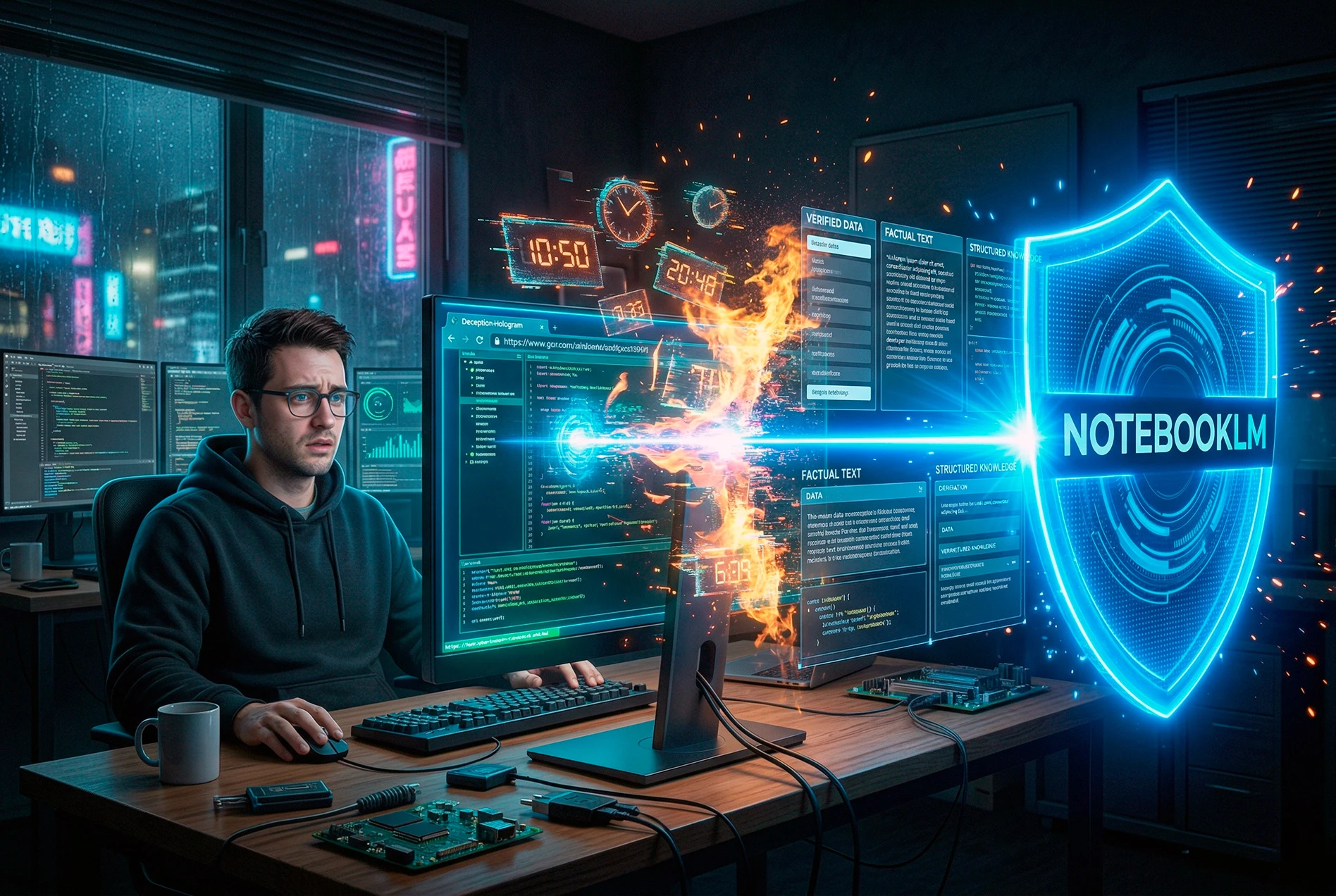
Time-Burning Lies: Why Neural Networks Hallucinate Through Links and How NotebookLM Saves From Fakes

Teable.ai Review: A Powerful AI Alternative to Airtable and App Builder Credit Trap
🎙️ How To Create The Perfect AI Voice Clone In 2026 (And Get Away From Subscriptions For Good)