Artistly 4.0: Train Your Own AI vs AI Portrait. How to Create Perfect AI Portraits from 1 Photo
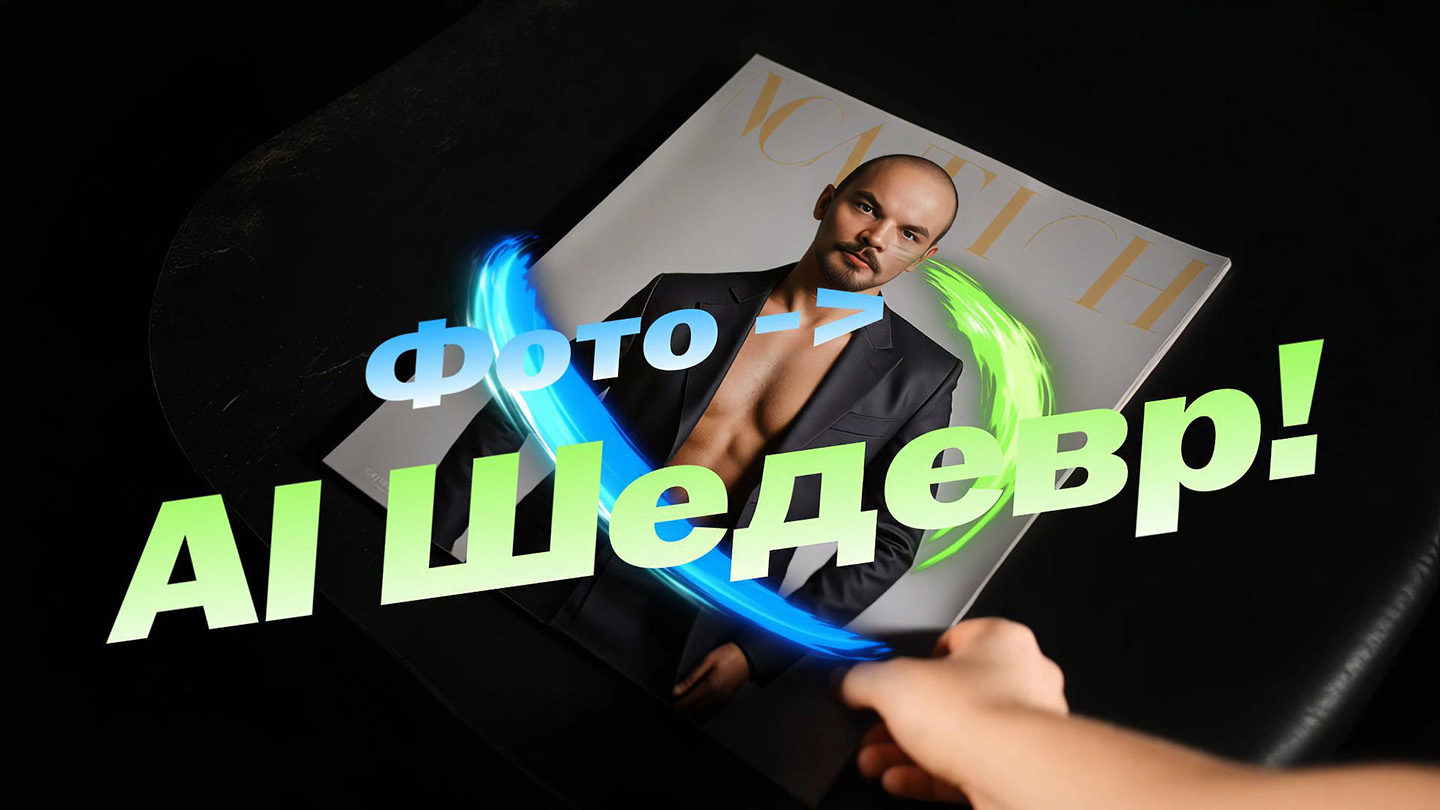
Artificial intelligence continues to amaze with its capabilities in creating unique images. Do you want to quickly turn ordinary photos into stylish avatars, art, illustrations, book and magazine covers without monthly subscriptions? Today, we're going to dive into the world of the platform Artistly 4.0 and compare two of its powerful AI portrait features in detail: Train Your Own AI and AI Portrait. Let's find out which one is better suited for your tasks of creating avatars, editing photos with AI, or generating art.
A general video overview of this unique platform can be seen on my channel: https://www.youtube.com/watch?v=mpz2ZX9j6yQ and discuss in an open club "AI Content Atelier": https://t.me/AIContentCreators/149
Artistly 4.0 at a glance: your AI Graphics Generator
Artistly 4.0 is a feature-rich AI graphics generation platform that I've been actively using since the beginning of this year. Its main advantages are wide functionality, ease of use and, what is especially attractive, One-time payment for lifetime access with no hidden fees. No monthly subscriptions or credits! This is an excellent choice for those who are looking for neural networks for unlimited image generation and processing with a commercial license. Overview of the main features on the site:Full Artistly.ai Review: AI Image Generator Without Subscription – Is It Worth It?
Why do you need AI portraits? The possibilities are endless
Imagine that you have a photo – yours, a friend's, or a client's. With Artistly 4.0, you can easily turn it into a unique social media avatar, a personalized card, an invitation, or even create a whole series of images with one character in different styles and locations. The possibilities are really huge: from creating avatars to generating art for commercial use.
Basics of Work: Prompt is the Key to Success
Both functions work on a similar principle: you upload a single portrait and write a text request (prompt) describing the desired result. For example, "man/woman on the seashore" or "man/woman in the image of the king of England".
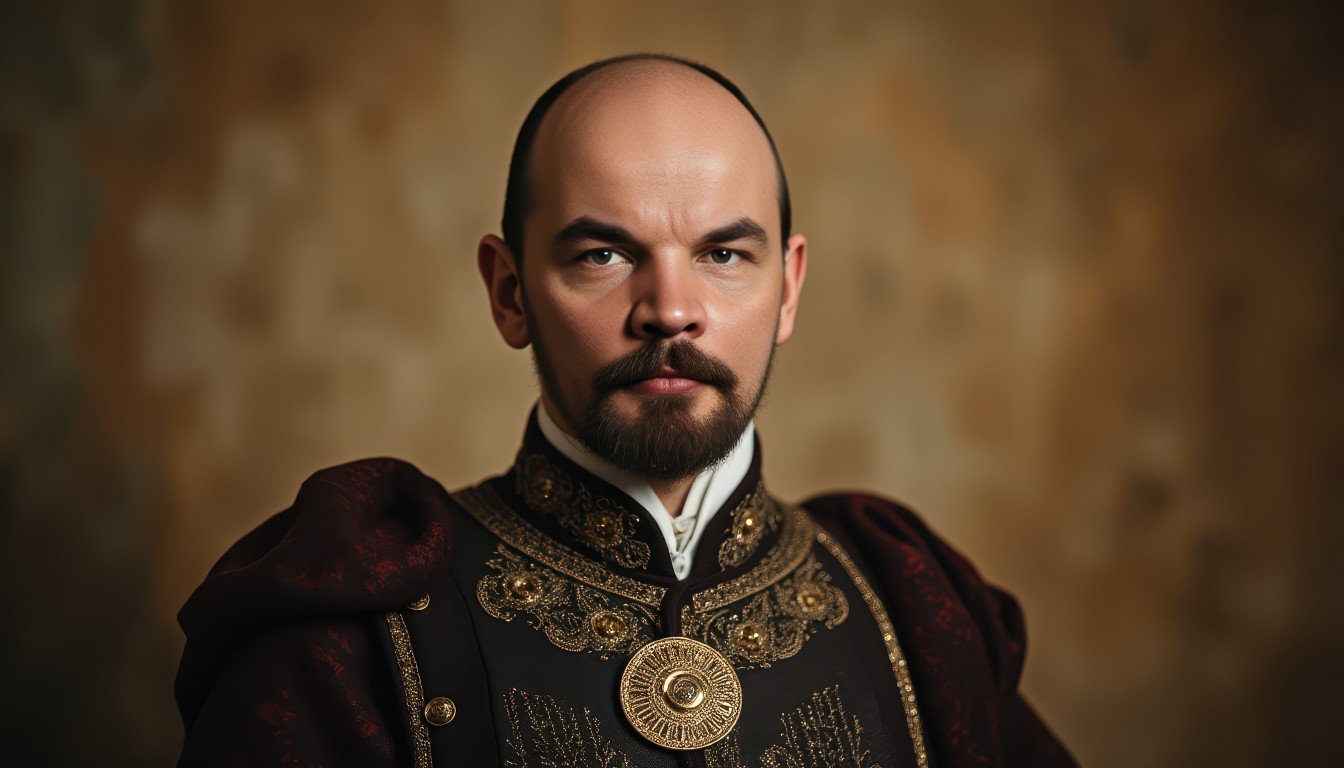
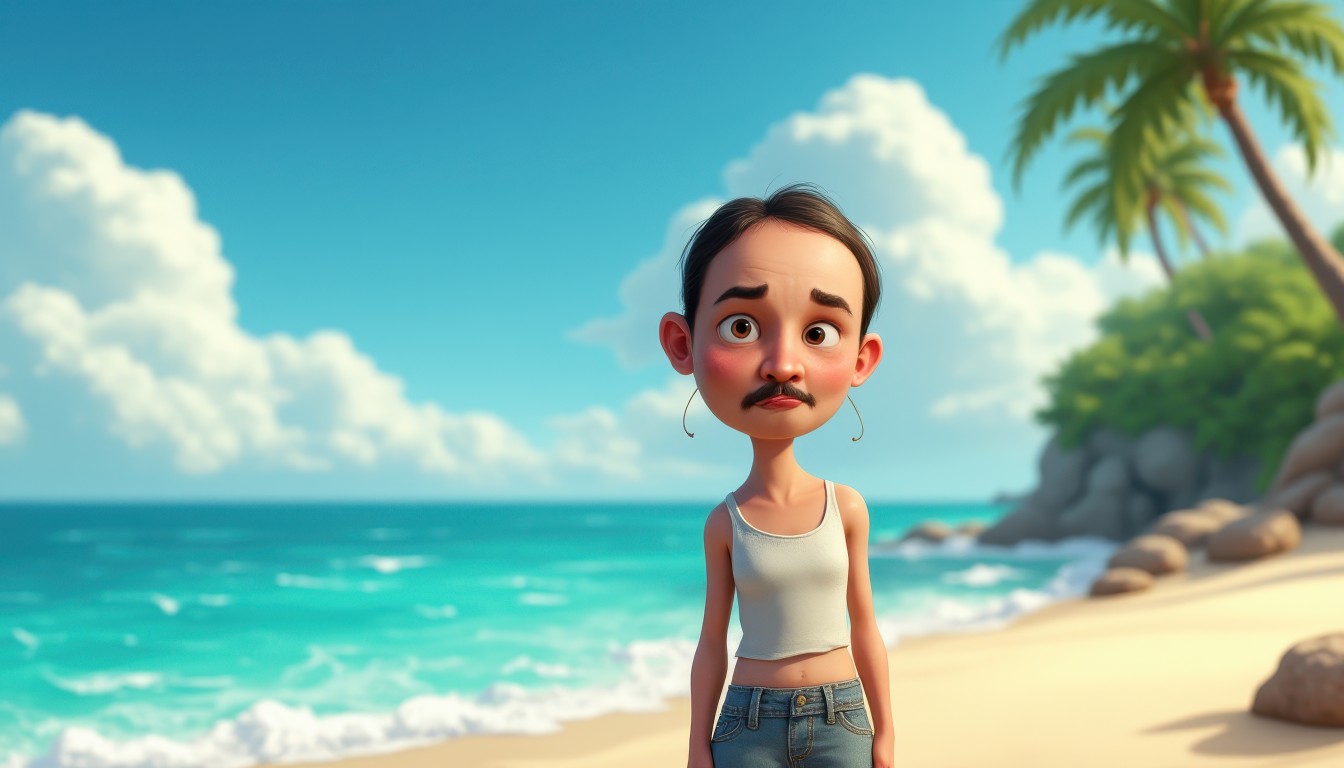
Key point: Prompt detail is of great importance. The more accurately you describe the idea, the better the result will be. For example, a simple query "Doll" can lead to the creation of a female image, even if the reference photo is a man.
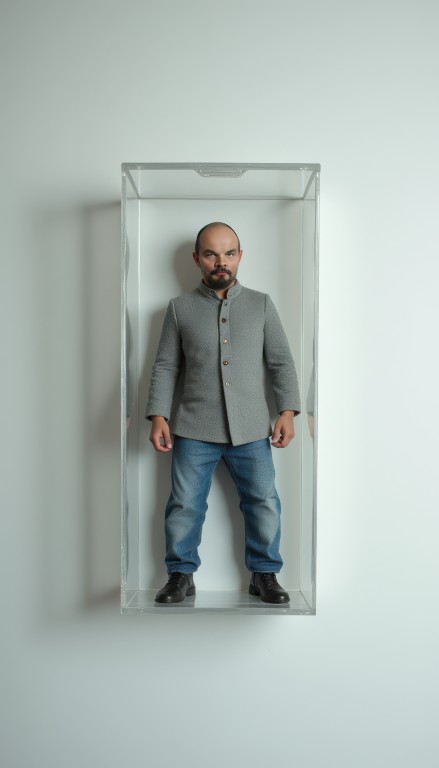
But "Man in a transparent toy box" will give a completely different, more predictable result. Do not forget about Aspect ratio of the frame – it also affects the final composition.
Deep Dive: Train Your Own AI – Ultimate Photorealism
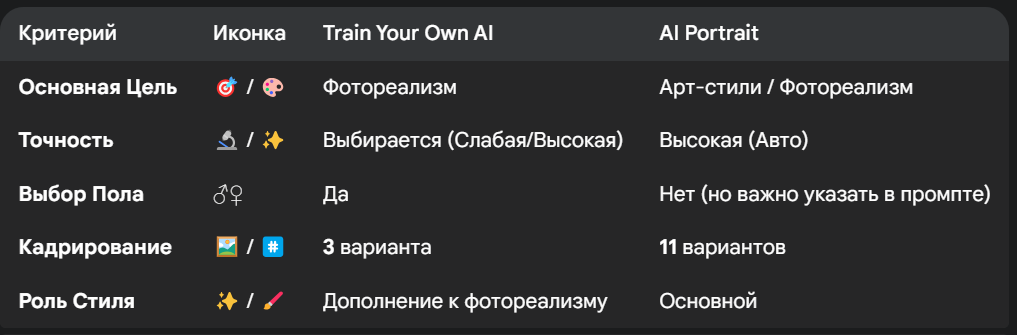
This feature is your choice if the goal is Maximum photorealism. The neural network aims to create an image that is very similar to the original portrait in a photorealistic style. Train Your Own AI is perfect for those who want to quickly create photorealistic AI portraits in different locations from a single photo.
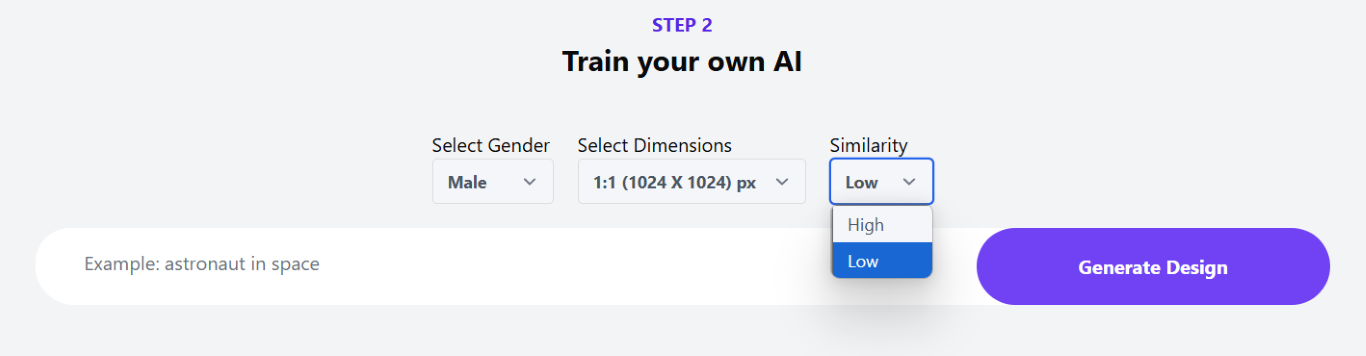
- Key features of Train Your Own AI:
- Selection of the degree of compliance: You can adjust how similar the result should be to the original (weak or high match).
- Gender Selection/Change: You can force or change the gender of the character.
- Crop: There are 3 standard options available (e.g. 1:1, 16:9, 9:16). (Clarify the exact names from the interface)
- Working with style: If you add a style (such as "watercolor") to prompt, it will be applied as a complement to photorealism. If you specify only a style (for example, "Ghibli style") without a description, photorealism will be minimal.
- Importance of Details: As the example of Lenin in the toy box showed, the explicit indication of gender ("man") in the prompt helps to preserve photorealism and avoid the generation of a "doll".
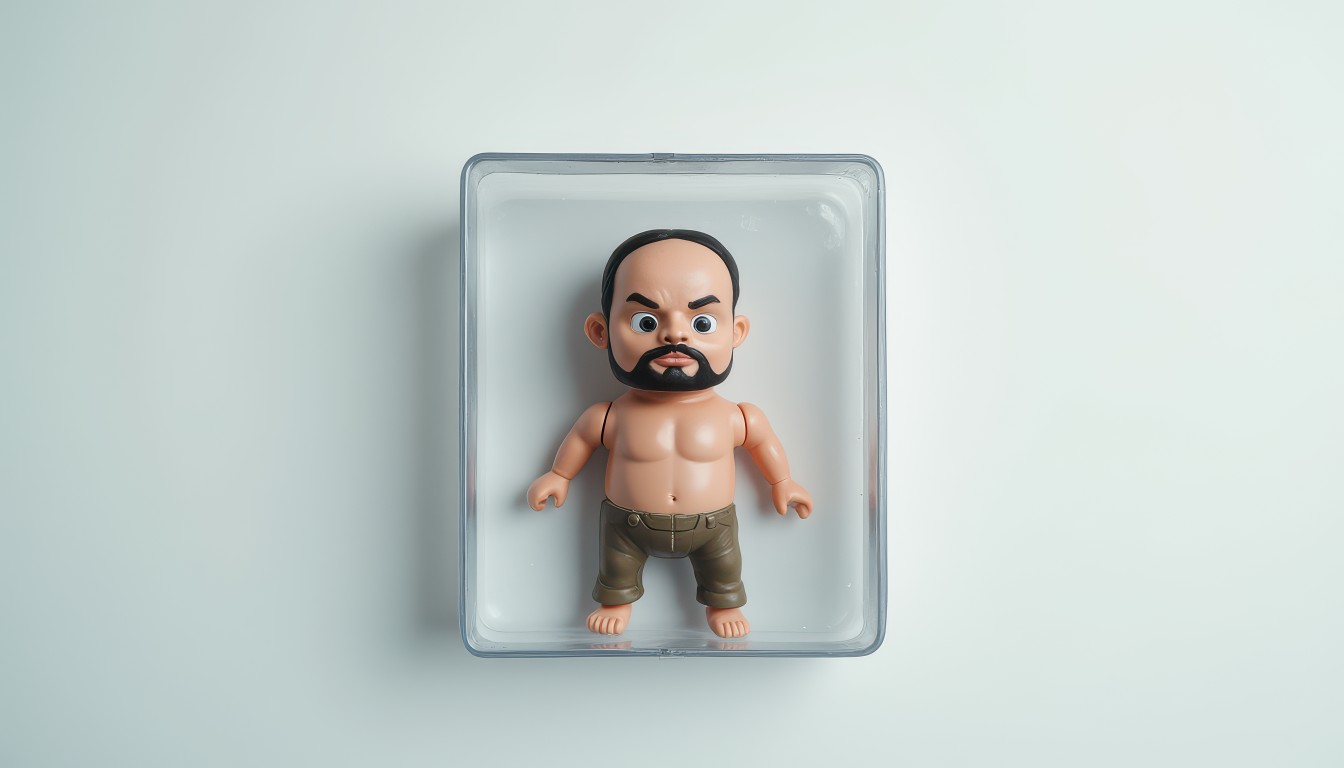
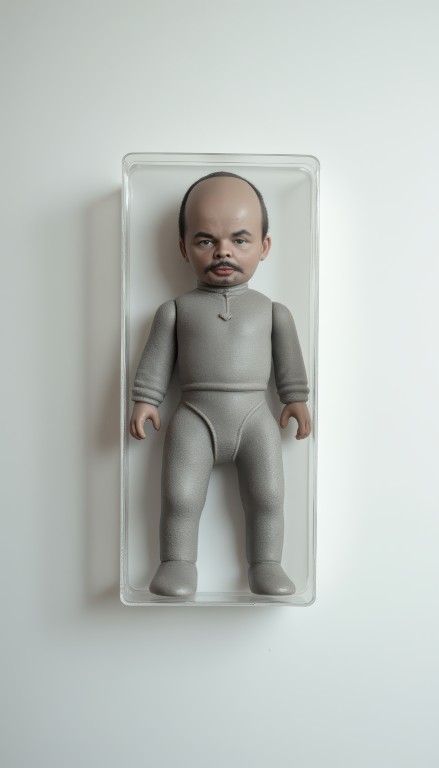
Deep Dive: AI Portrait – Experiments with Art Styles
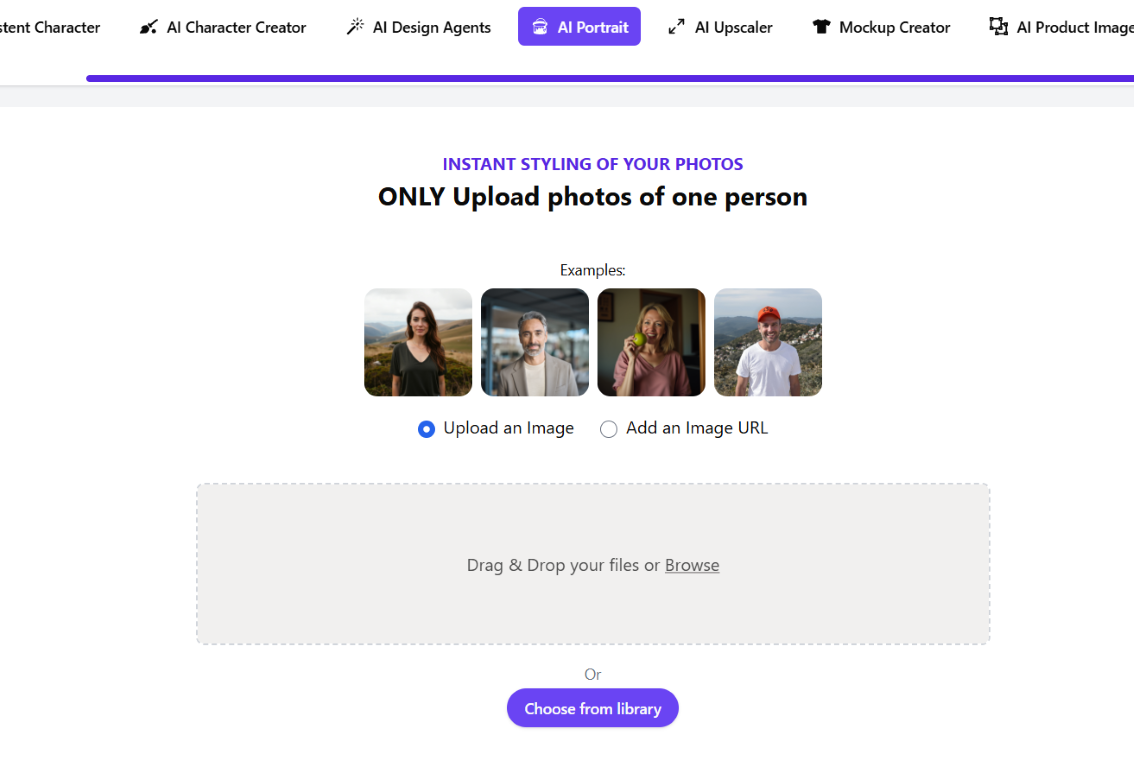
AI Portrait is a tool for those who want to experiment with art styles. Although photorealism is also possible here, if you do not indicate the style in the prompt. AI Portrait is perfect for those who want to create unique art and illustrations using neural networks.
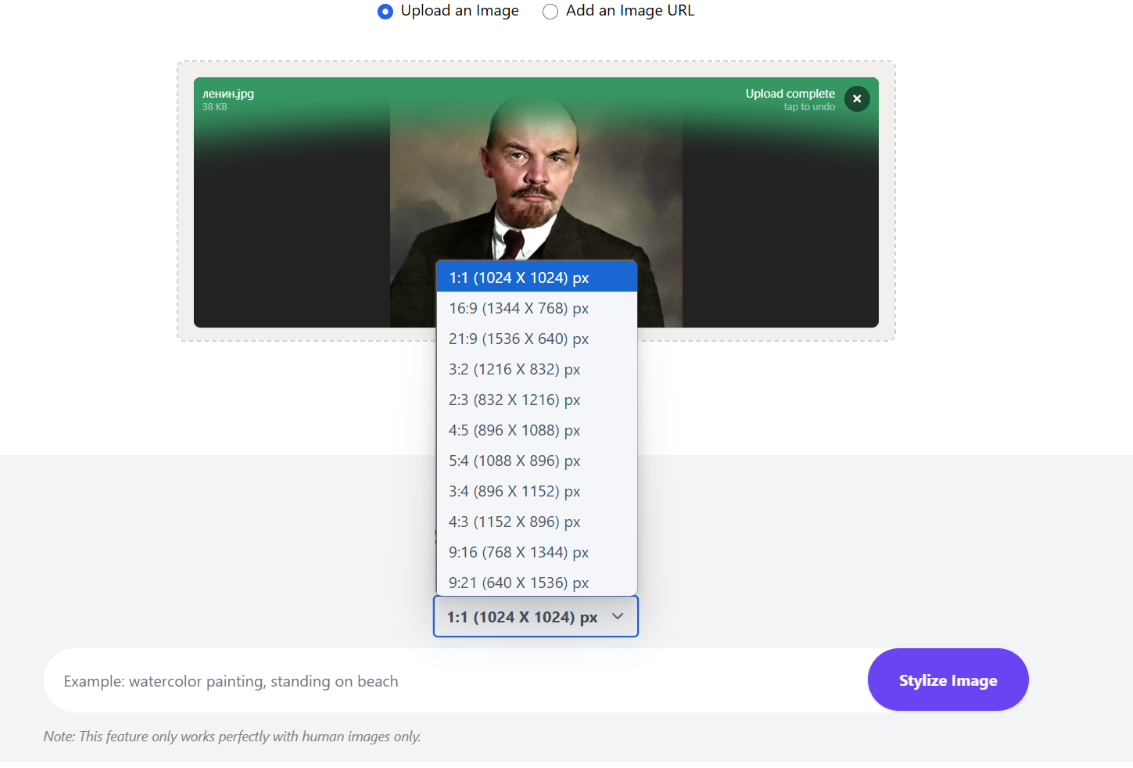
- Key Features of AI Portrait:
- Variety of styles: The main purpose is the application of various artistic styles to the portrait.
- Download options: Photos can be uploaded from your computer, by URL, or you can choose from those previously created in Artistly.
- Crop: As many as 11 (!) aspect ratio options to choose from.
- Detailing: There is no choice of the degree of compliance, but the detail is usually high.
- Style priority: The style specified in prompt is the primary style and determines the appearance of the result.
- Importance of Gender Indication: This model sometimes "gravitates" towards female images. Therefore, when working with male portraits, it is recommended to explicitly indicate the gender in the prompt to avoid unwanted "feminization".
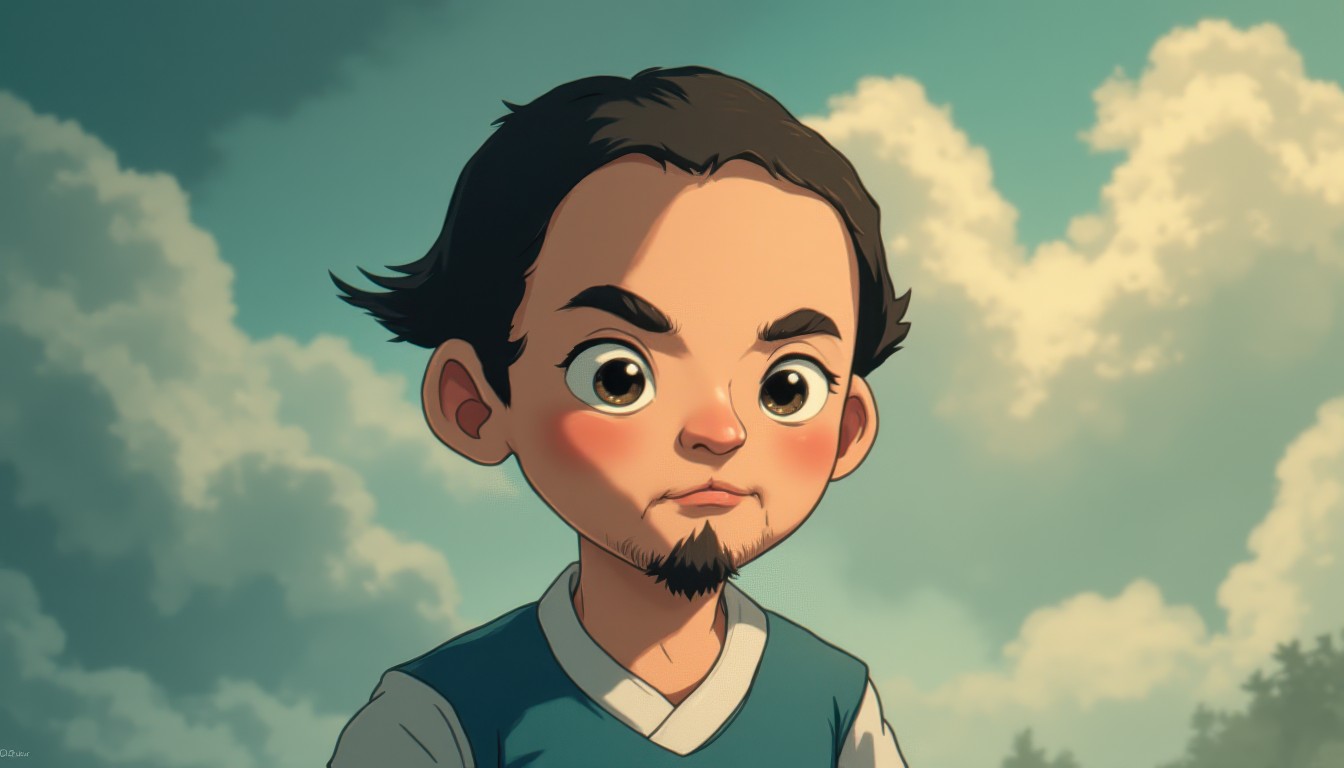
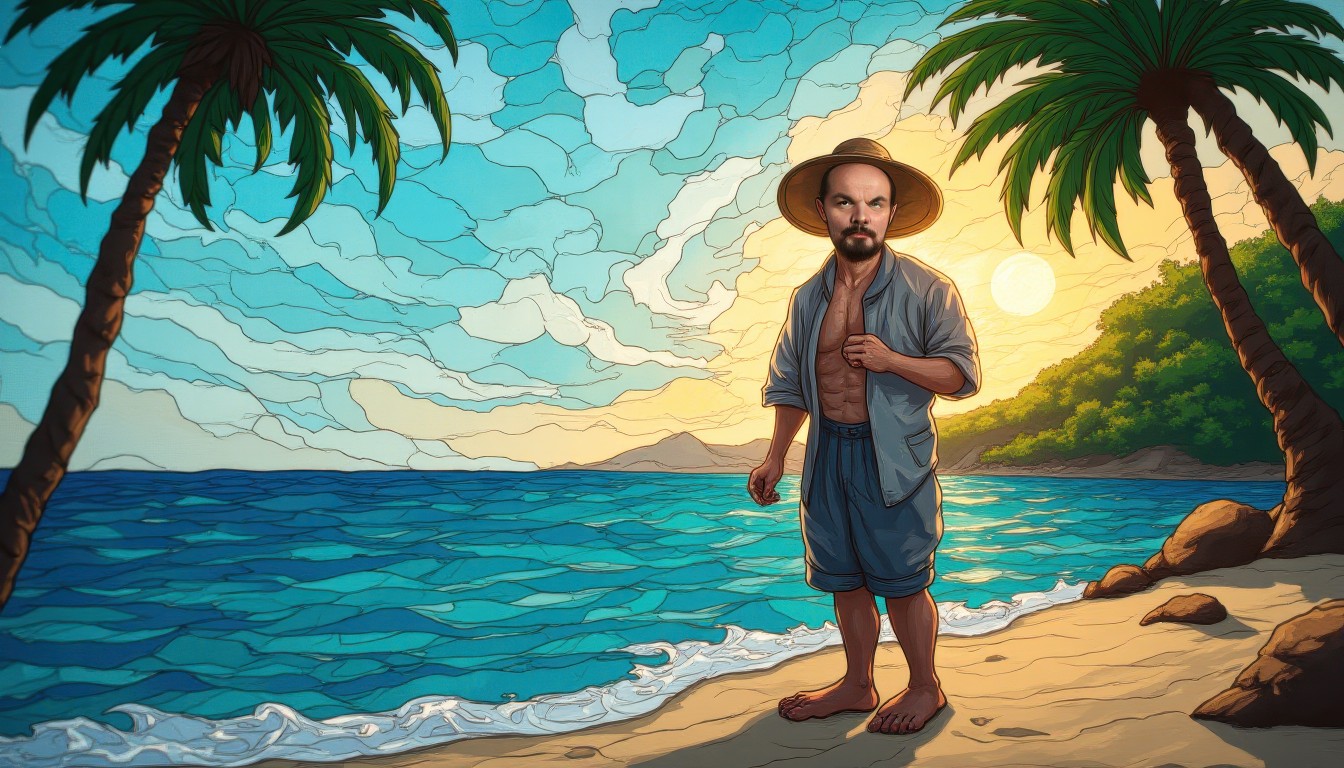
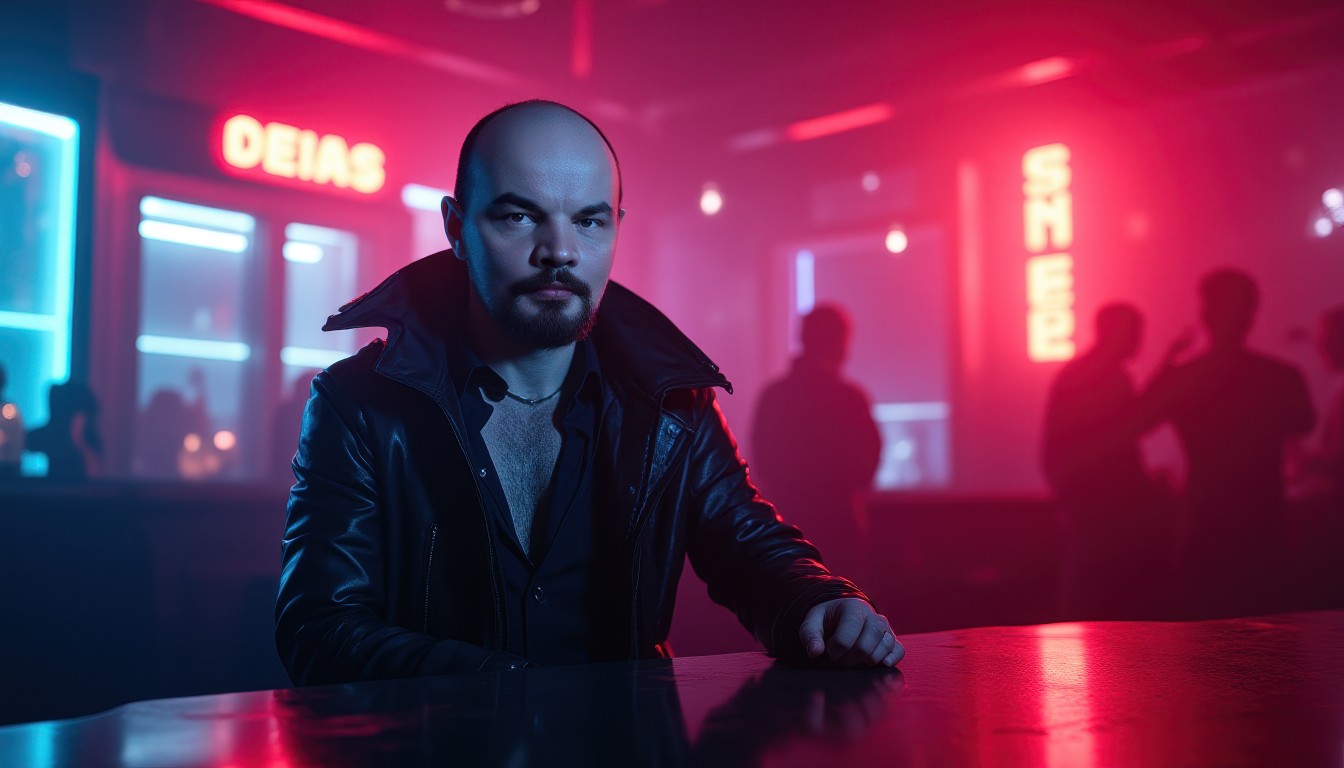
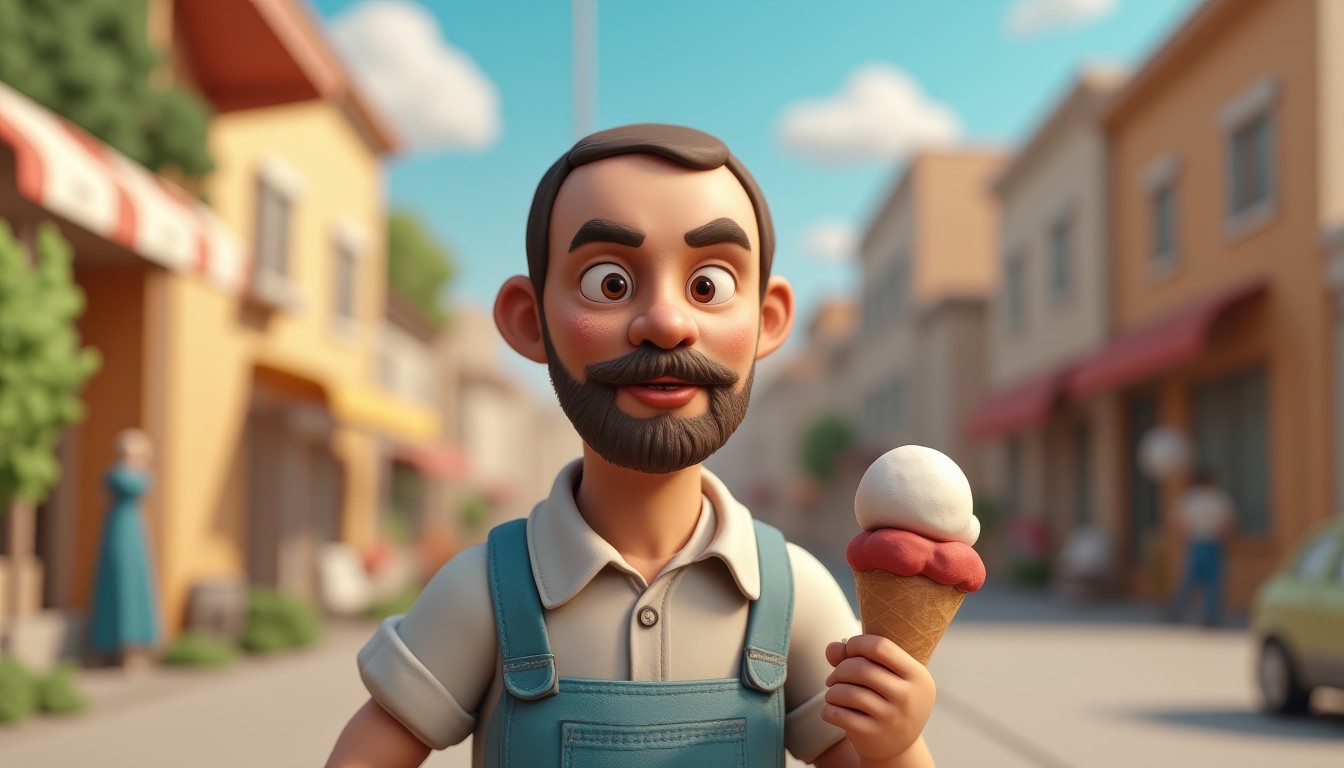
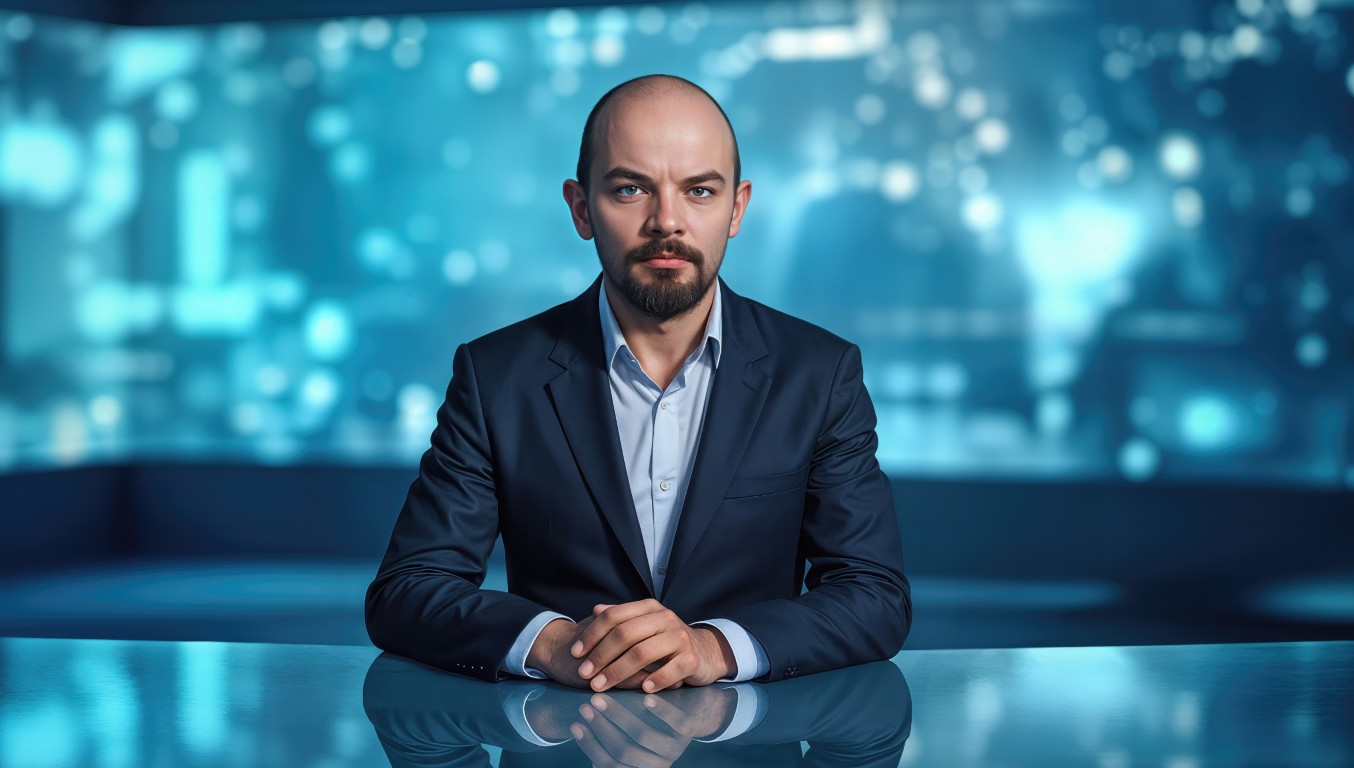
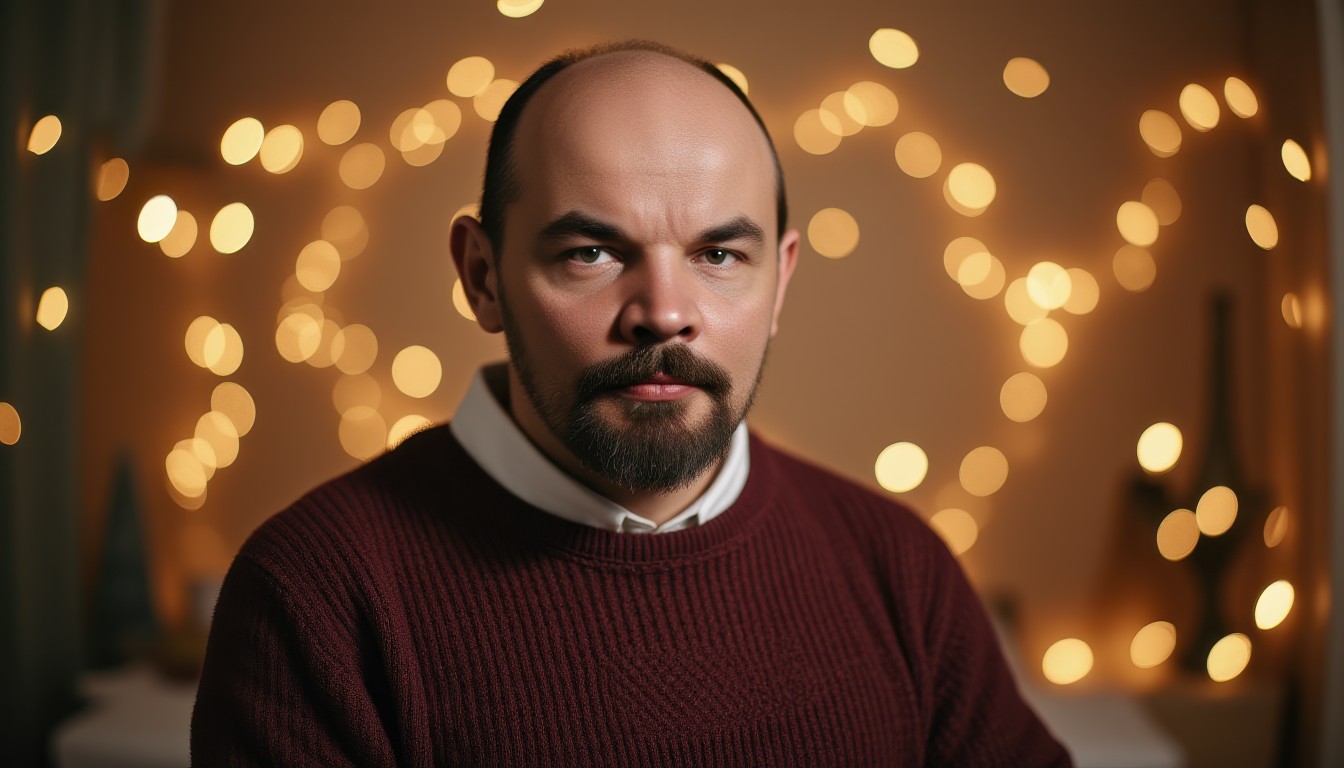
Key Differences: Train Your Own AI vs AI Portrait
Let's summarize the main differences in the form of a table for clarity:
Pricing & Value: Affordable AI
At the time of writing, Artistly 4.0 offers two Perpetual one-time payment tariff:
- Basic: $49
- Premium: $147
Both tariffs include Commercial license, which is great for freelancers and businesses. A one-time payment for unlimited access is a truly unique offer in the AI tools market.
Conclusion & Recommendations: Your Perfect AI Portrait
Both features, Train Your Own AI and AI Portrait, are incredibly powerful and open up huge possibilities for creativity with portraits.
- Choose Train Your Own AIif you want maximum photorealism, control over similarity to the original, and the ability to easily change genders.
- Choose AI Portrait, if you want to experiment with art styles, you need more framing options and are willing to pay attention to prompt accuracy to get the style and gender you want.
The platform also offers an affiliate program. Want to try Artistly 4.0 for yourself?
✨ Follow my affiliate link https://paykstrt.com/48893/159797 to purchase Artistly 4.0.
When you buy through this link, you will not only support the creation of such reviews, but you will also receive from me free consultation on the effective use of the platform!
Good luck with your AI experiments!
Postscript: The image of a historical figure is used solely for the purpose of demonstrating the capabilities of AI technology and does not carry a political connotation or evaluation.